
For sales teams · Updated 9 October 2026
Annotate pitch decks and demos from your phone
Pitch decks, pricing slides, live demos. Stand up, walk the room, and make the point land, with your phone as the pen and the clicker.
Quick answer
PadCanvas turns your iPhone or iPad into a pen and slide remote for your Mac. Circle the number on the pricing slide, underline the outcome, spotlight the feature the buyer asked about, and move through a Google Slides deck from the same device. It works on a meeting-room TV or projector, and in Zoom, Google Meet and Teams when you share the whole display.
Pitch decks and pricing slides
Draw over Keynote, PowerPoint, Google Slides or a PDF. Circle the ROI figure, underline the customer’s own words on the slide, or put a quick arrow next to the plan that fits them. With Google Slides in Chrome, Previous and Next appear on your phone too (setup).
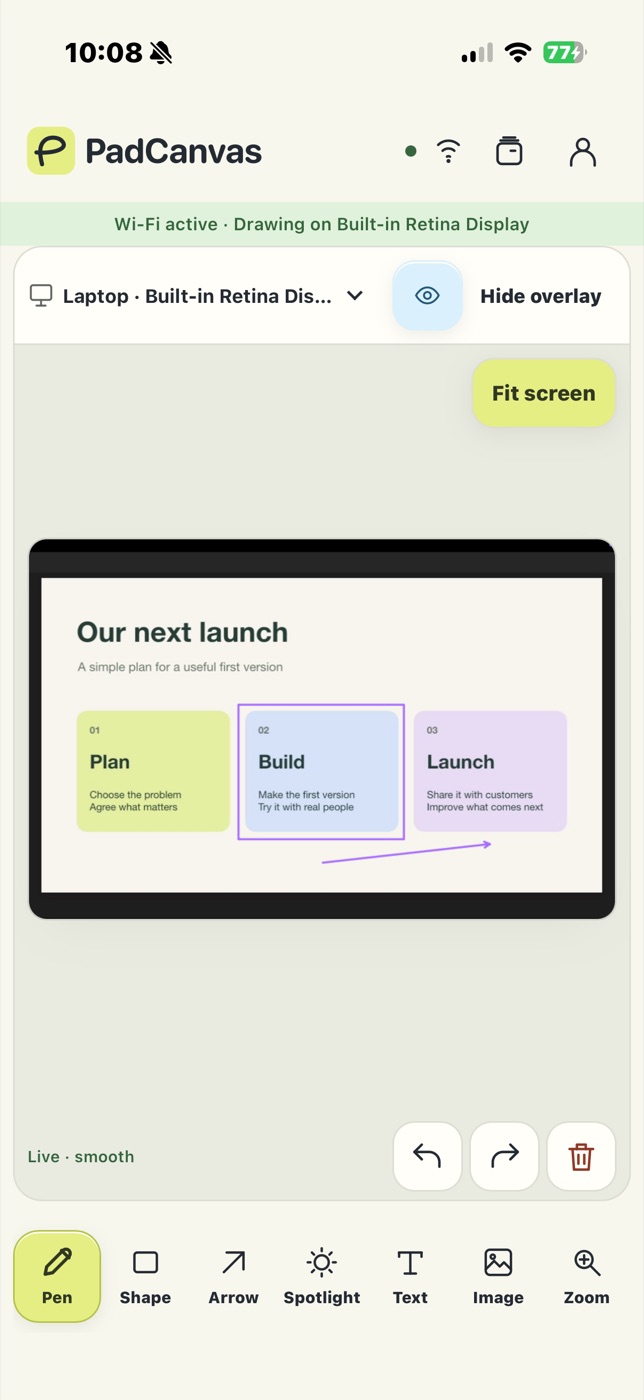
Demos that stay on message
Spotlight the one feature that solves their problem and let the rest of the screen fade back. Add a short text note, then clear it before the next question. Marks can fade on their own with drawing timeout.
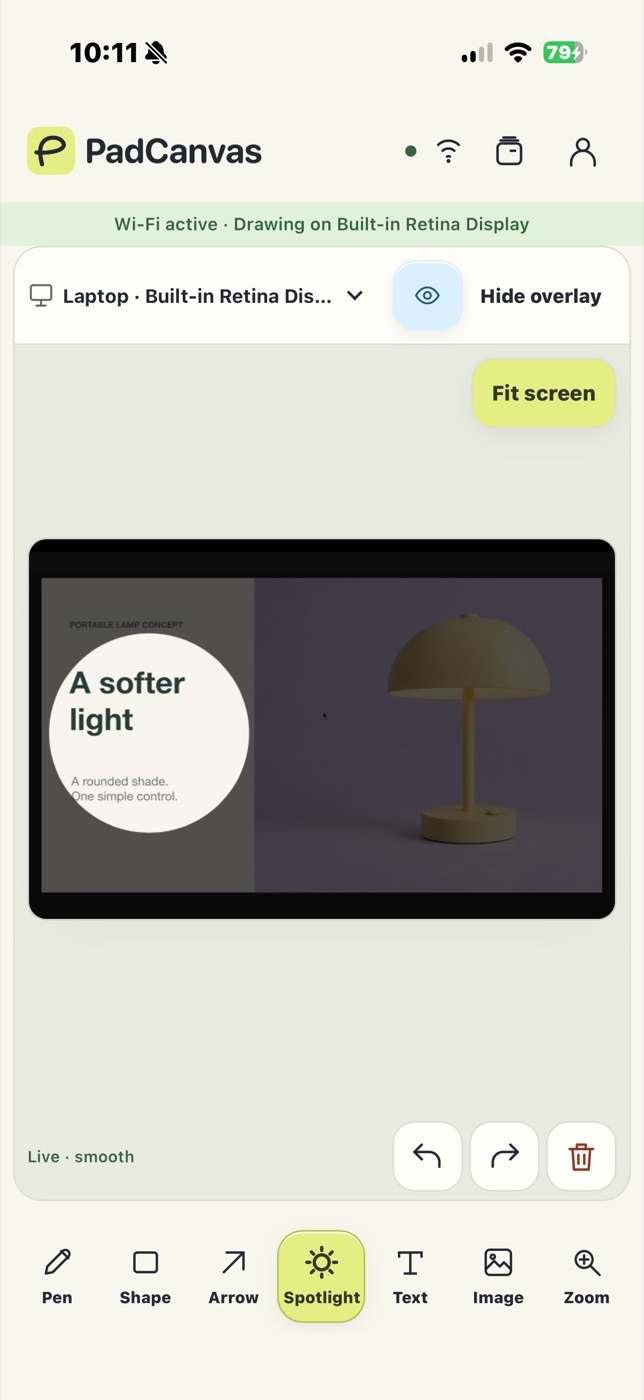
In the meeting room
Connect the Mac to the room display, pick it in PadCanvas, and present on your feet with your phone in hand. If the guest Wi‑Fi isolates devices, connect over USB, or use Bluetooth for drawing and slide controls.
On video calls
Share your entire display in Zoom, Google Meet or Teams and the buyer sees every mark (how to share). Make a quick test mark with a colleague before the call.
Questions
Can I use my phone as a clicker?
Yes, for Google Slides in Chrome: turn on Slide remote and Previous and Next appear on your phone. Drawing works over any deck or app.
What does it cost?
Seven days free with a payment method, then £4.99 a year for your Mac. The iPhone and iPad companion is included.
Does anything go through your servers?
No drawing or screen content does. It travels directly between your devices and the Mac. The account service only handles sign-in, access and billing.
Try it on your own screen
Seven days free, then £4.99 a year. The iPhone & iPad companion is included.
Requires an Apple silicon Mac (M1 or later) with macOS 14 or later, and an iPhone or iPad with iOS or iPadOS 16 or later. Apple Pencil works on compatible iPads.