
For solution engineers · Updated 9 October 2026
Make every technical demo easy to follow
Architecture walkthroughs, live product demos, API responses, config screens. Keep driving with the trackpad and point with the device in your other hand.
Quick answer
PadCanvas lets solution engineers draw over anything on the Mac screen from an iPhone or iPad. Circle the setting that matters, draw an arrow along the data flow, spotlight one field in an API response or zoom into small UI, while you keep driving the demo with the trackpad. It works in Zoom, Google Meet and Teams when you share the whole display, and in the room on a TV or projector.
Live product demos
Click through the product as usual, and use the device in your other hand to box the button, underline the result and add a short note such as “this updates in real time”. Turn on drawing timeout so marks fade on their own and the next screen starts clean, or Undo the last mark.
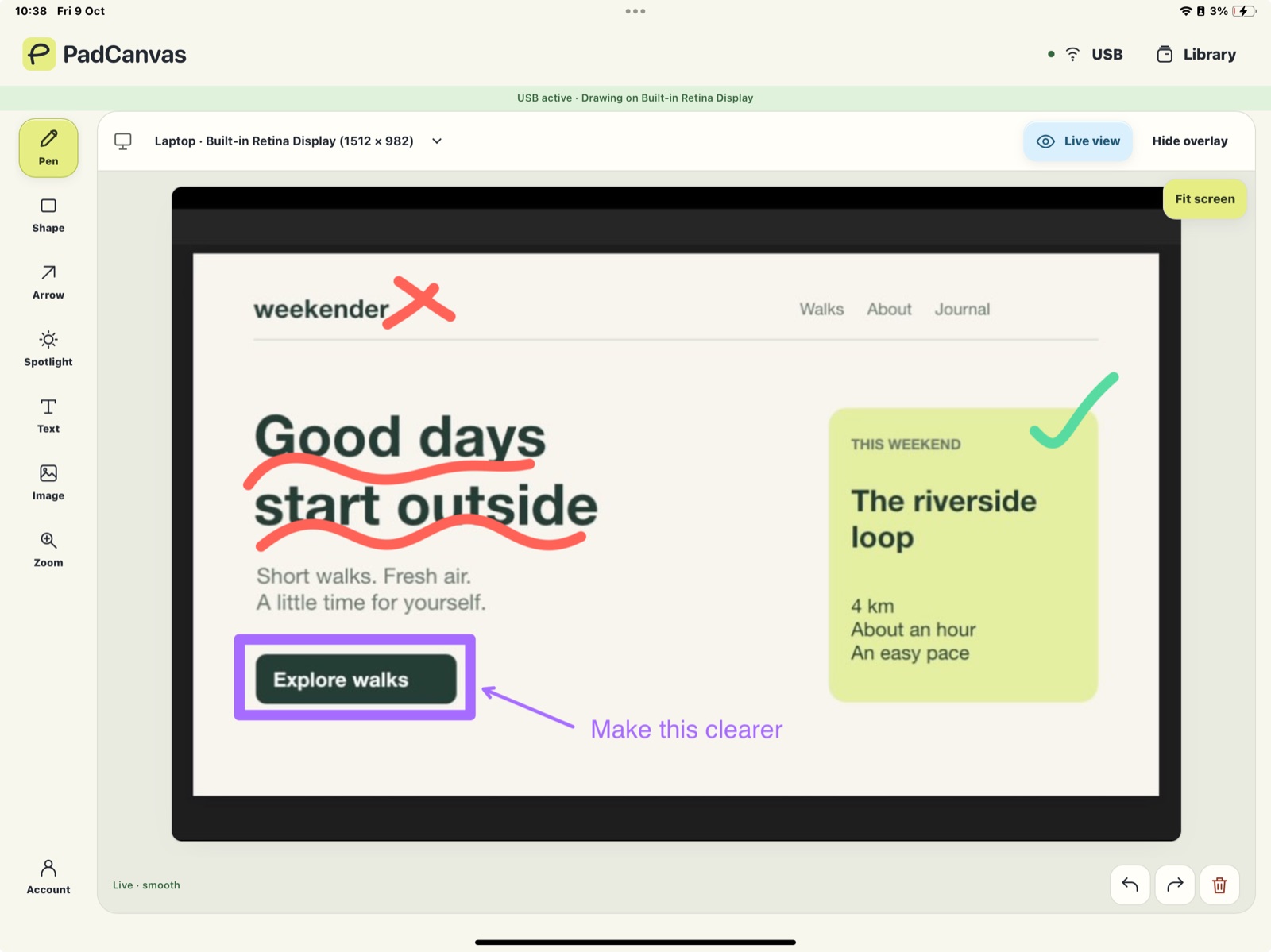
Architecture and data-flow walkthroughs
Open the architecture diagram, slide or whiteboard tool you already use and draw the request path on top of it: arrows between services, a circle around the integration point, a number by each step. Save the drawing or the whole project on your Mac to reopen in the follow-up call.
APIs, logs and config screens
Use the spotlight to dim everything except the JSON field, log line or setting you’re explaining, then zoom in when the text is small. On a big display, the prospect sees exactly what you mean instead of hunting for it.
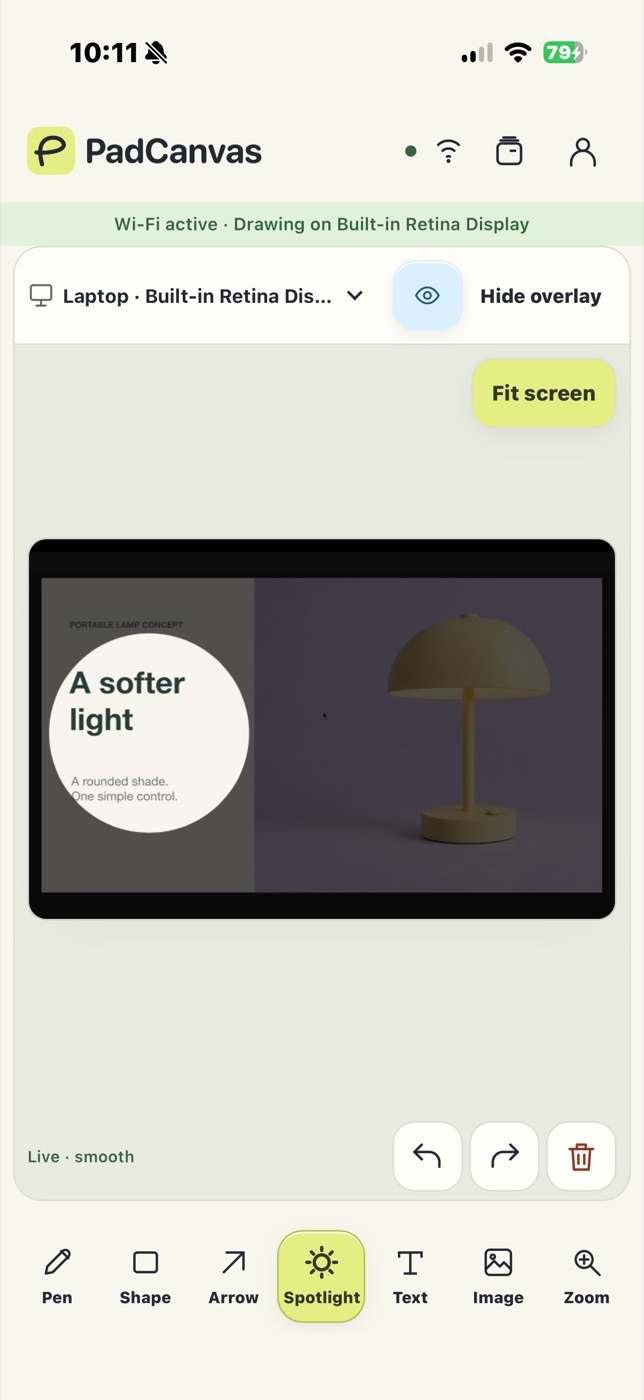
Remote calls and two-screen setups
Choose the display you share in PadCanvas, keep your notes or talk track on the other, and share that whole display in Zoom, Google Meet or Teams (how). Venue Wi‑Fi blocking devices from seeing each other? Use a USB cable, or Bluetooth for drawing and controls.
Safe for customer environments
Every device needs approval on your Mac, and you can remove one at any time. Drawing and live view travel directly between your devices and the Mac. They aren’t relayed through PadCanvas servers, so whatever is on screen in a customer demo stays between you and the room.
Questions
Does it work with any product I demo?
Yes. PadCanvas draws on the Mac display, not inside a particular app, so it works over web apps, native apps, terminals, diagrams and slides.
Can the customer draw too?
Approved guests on the same local network can join from Chrome or Edge and draw alongside you. You approve each one on the Mac. Corporate networks sometimes block this, so test first.
Will marks clutter the next screen?
Turn on drawing timeout in the Pen settings so marks fade after a few seconds, or use Undo and Clear.
Try it on your own screen
Seven days free, then £4.99 a year. The iPhone & iPad companion is included.
Requires an Apple silicon Mac (M1 or later) with macOS 14 or later, and an iPhone or iPad with iOS or iPadOS 16 or later. Apple Pencil works on compatible iPads.